VR for Plant and Process Training
Create guided practice for selected plant operations, equipment start-up and shutdown, sampling, process familiarisation and contingency scenarios. Training content should follow the customer's approved procedures.
Explore existing Yeppar solutions for plant training, safety learning, maintenance guidance and remote technical support. Each implementation should be scoped to the site, equipment, approved procedures and technical requirements.
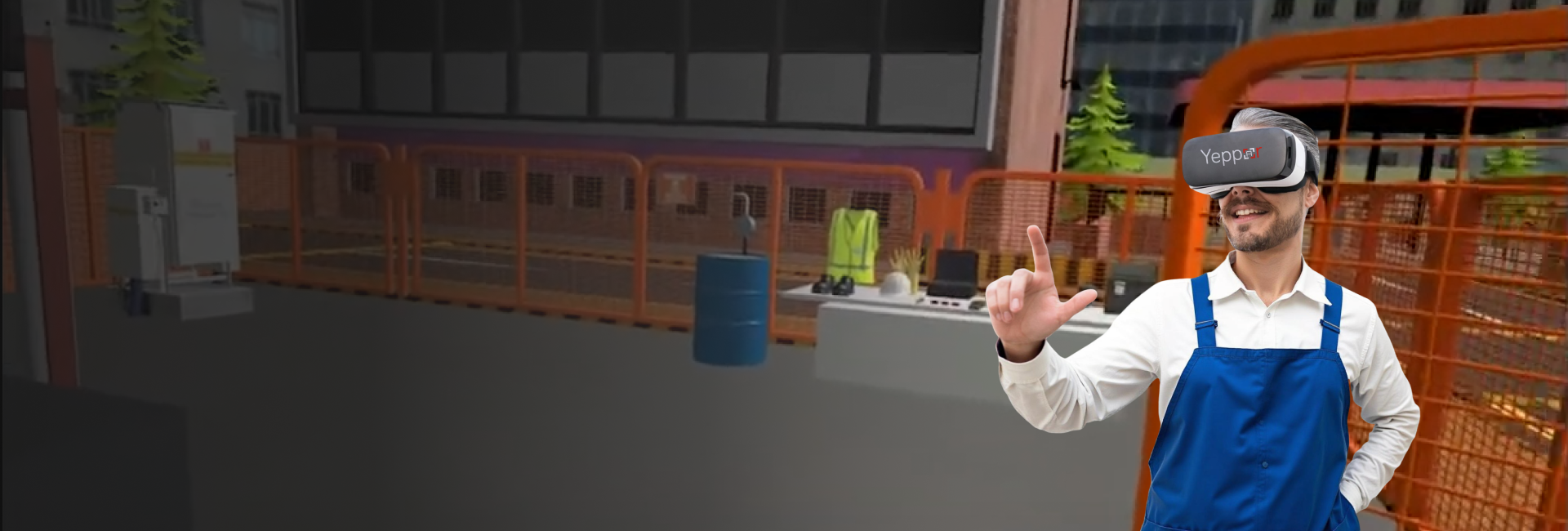
Practise plant procedures and operational scenarios in a controlled virtual environment. Existing modules include unit orientation, turbine and pump start-up, sampling procedures, plant shutdown, power-failure response, leak-and-fire scenarios and emergency depressurisation.
Explore Solution
Support maintenance and equipment familiarisation with visual, step-by-step digital guidance. Existing module examples include pressure safety valve inspection, motor and pump maintenance, mechanical seal handling, valve-positioner calibration and lockout-tagout procedures.
Explore Solution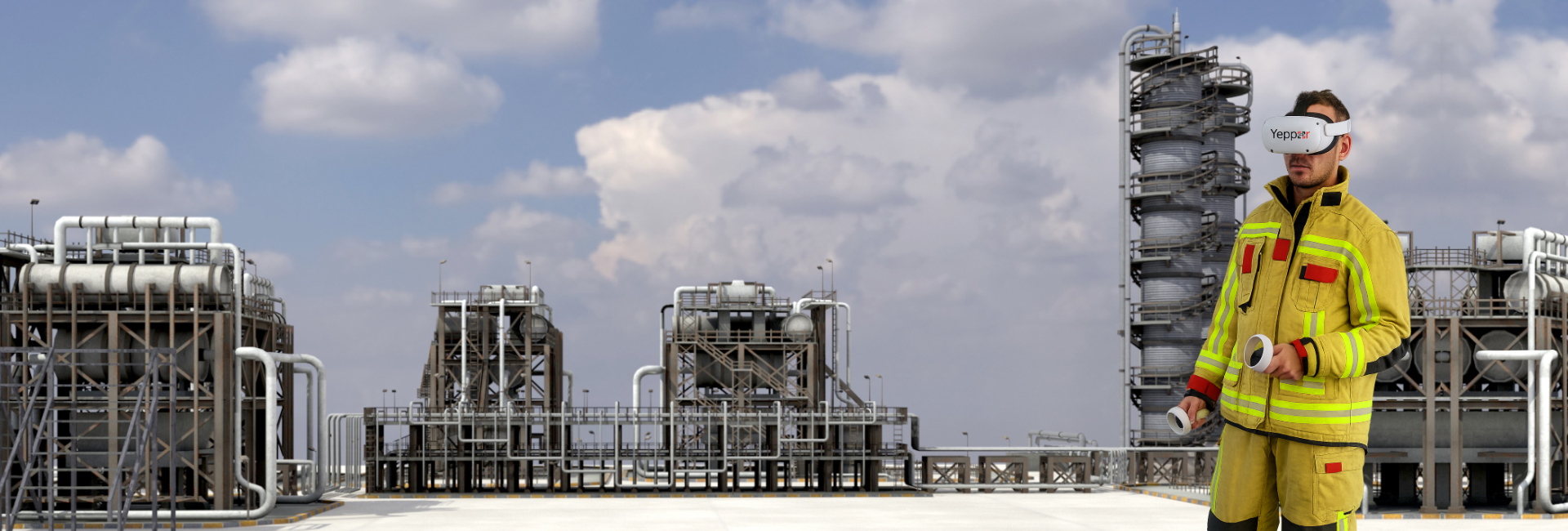
Build familiarity with safety procedures through scenario-based training covering confined-space entry, hazard recognition, permit-to-work, PPE use, atmospheric testing and related safety-learning activities.
Explore Solution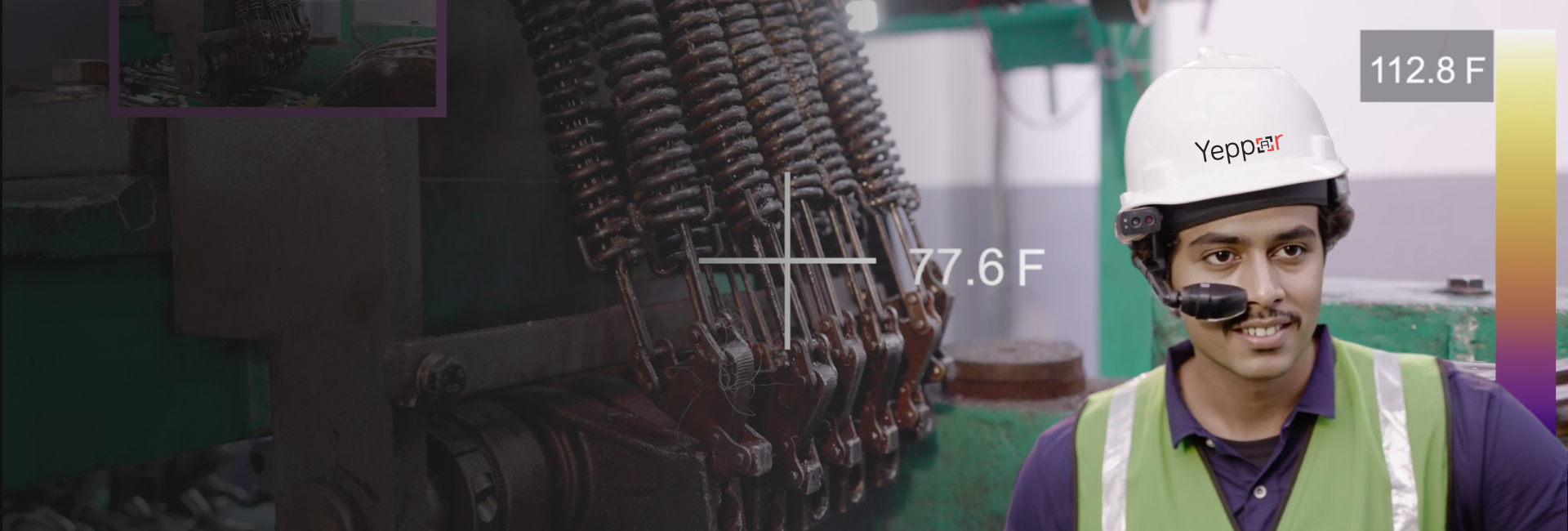
Connect field personnel with remote experts for troubleshooting and technical guidance. The existing offering describes AR-enabled smart helmets, live video/audio and data sharing, plus device setup and cloud-based access options.
Explore Remote Assistance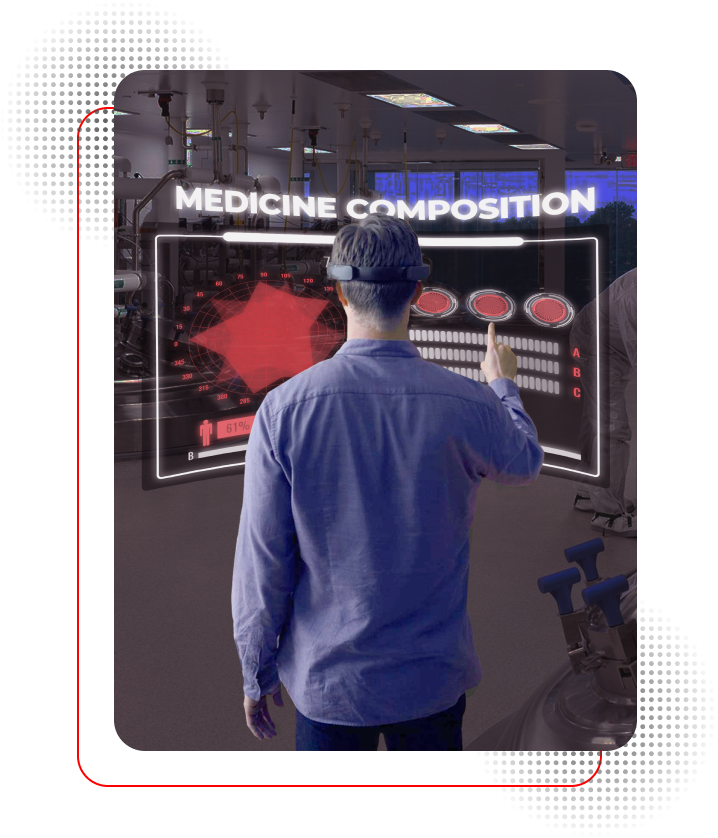
Support the administration and tracking of training programmes with features described on Yeppar's Oil & Gas solution pages, including workforce skill matrices, training-data monitoring, trainee recording playback, learner profiles and qualification-certificate management.
Discuss Training Management
Build a tailored AR, VR, MR or simulation solution around your specific plant, equipment, workflows and operational requirements.
Discuss Your RequirementsNo solutions in this category yet.
Create guided practice for selected plant operations, equipment start-up and shutdown, sampling, process familiarisation and contingency scenarios. Training content should follow the customer's approved procedures.
Help personnel rehearse hazard recognition, confined-space procedures, PPE use, permit-to-work steps and selected emergency-response scenarios in a controlled learning environment.
Use MR overlays and stepwise visual instructions to support equipment familiarisation and defined maintenance tasks, such as pump, motor, mechanical seal and pressure safety valve workflows.
Enable field teams to share visual context with remote experts and receive guidance during troubleshooting or maintenance, subject to connectivity, device compatibility and the agreed deployment setup.
Immersive technology can support practical learning, procedural guidance and equipment visualisation. AI may be considered for selected applications—such as assessment or data-supported assistance—when the required data, integrations and product capabilities are confirmed. AI should not be presented as a standard feature of every Oil & Gas solution.
Consider AI-enabled assessment or analysis for suitable training workflows. Confirm the exact feature, data inputs and availability with the product owner before making a live-capability claim.
Present contextual instructions or digital information alongside the physical environment for selected field-support and guidance workflows.
Create immersive scenarios for plant familiarisation, procedure practice, safety learning and operational contingency training.
Combine physical surroundings with interactive digital content to guide selected maintenance, inspection and equipment-handling tasks.
Give learners a digital environment in which to rehearse selected procedures before applying them in live operations.
Enable teams to revisit defined training scenarios and procedures as part of a structured learning programme.
Shape training and guidance around the site, equipment, workflows and approved procedures in the agreed project scope.
Use contextual overlays or remote expert support where appropriate to help personnel understand maintenance steps and technical issues.
Where configured, Yeppar X.O can support training administration, progress tracking and workforce skill documentation.
Review the use case, target users, equipment, approved procedures, training objectives, site constraints and intended integrations.
Define the suitable AR, VR, MR or simulation approach and develop the experience around the agreed workflows and content. Assess AI only where relevant and technically supported.
Review the solution with subject-matter experts and the customer team against agreed procedures, usability needs and project acceptance criteria before deployment.
Tell us about your plant-training, safety, equipment-maintenance or remote-assistance requirements. Yeppar can help assess an appropriate immersive approach based on your workflows, approved procedures and project scope.