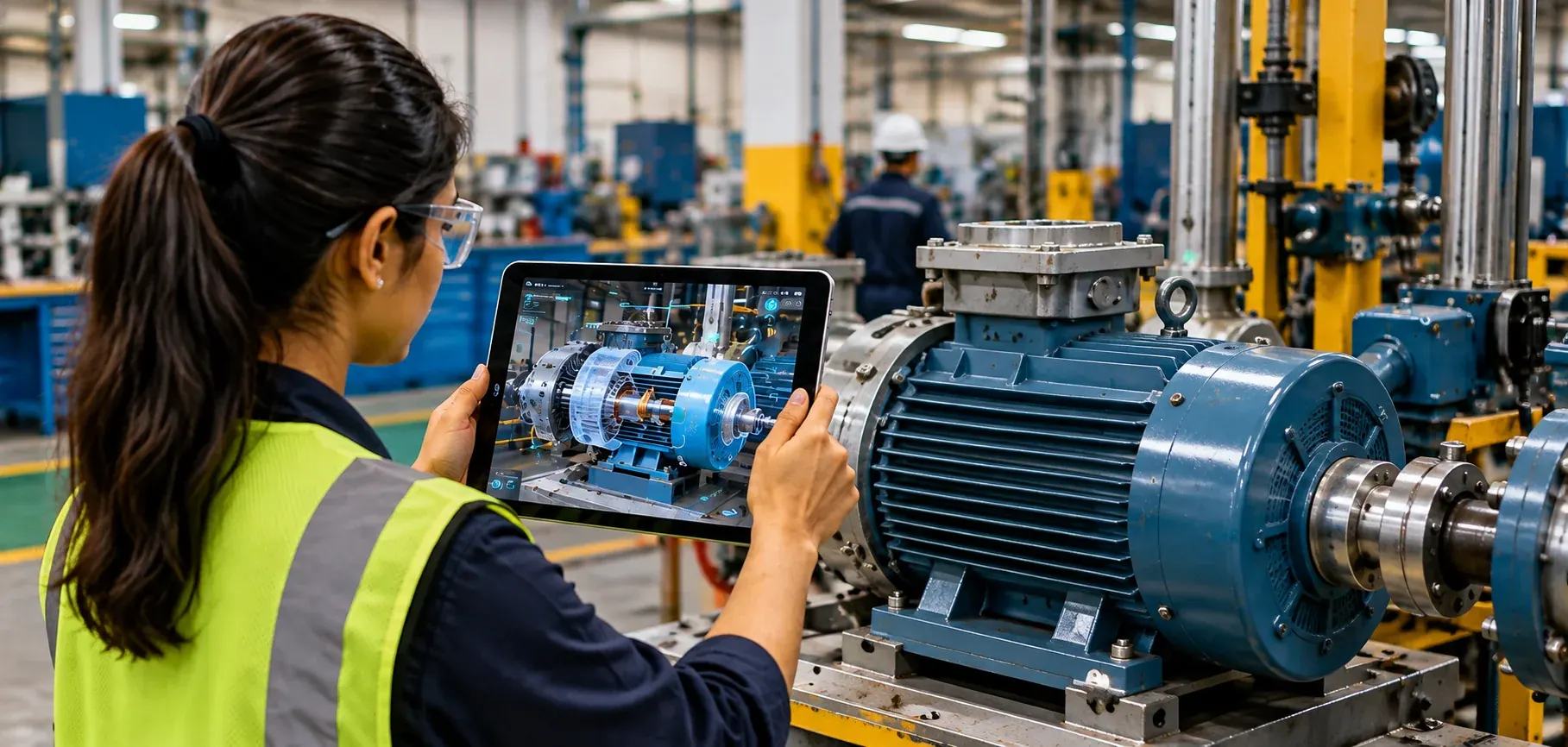
Create Mobile AR and Web AR Experiences with Demonstrate
Yeppar Demonstrate helps businesses create augmented reality experiences through mobile applications or the web. Prepare your content, upload images, and bring your experience to AR.
AR, VR and MR Experiences in Action
Videos change automatically. Hover over a video to pause.
-
MeterCapture Inspect Pro -
Remote Assistance -
VialCheck MR -
PrecisionPaint MR -
AseptiGuide MR -
ARinspect -
Mixed Reality for Oil & Gas -
Control Valve Bypass Operations -
FetteXpert VR -
HarroCare VR -
HarvestSim XR -
PrecisionSeal VR -
VR Wet LeakCheck -
VR Training for Oil & Gas -
Confined Space Entry Training -
Hot Work Safety Training -
AR, VR and MR Labs -
Mixed Reality on HoloLens -
VR Interactive Training -
Yeppar Showreel
Frequently Asked Questions
Demonstrate helps businesses create augmented reality experiences through mobile applications or the web.
Mobile AR adds AR experiences to an existing app or a new AR app for iOS and Android. Web AR publishes the experience on the web, so users do not need to download an AR app.
Web AR experiences can be accessed through a personalised URL or QR code.
Demonstrate supports image, ground, location, face and object tracking.
Prepare your content, upload the images you want to use and bring your content to AR as a Mobile AR or Web AR experience.
Let’s Get Started
Talk to an Expert
Talk to our experts to explore a Mobile AR or Web AR experience tailored to your project requirements.